How to Create High Converting Pinterest Pins in Canva
Pinterest is one of the best platforms for driving free traffic to blogs, affiliate websites, and online stores. However, simply creating a beautiful pin is not enough. Your pin should attract attention, encourage clicks, and convince users to visit your website.
The good news is that you don’t need advanced design skills. With Canva, anyone can create professional Pinterest pins that generate more clicks and engagement.
In this guide, you’ll learn step-by-step how to create high-converting Pinterest pins using Canva.
.
Why Pinterest Pins Matter
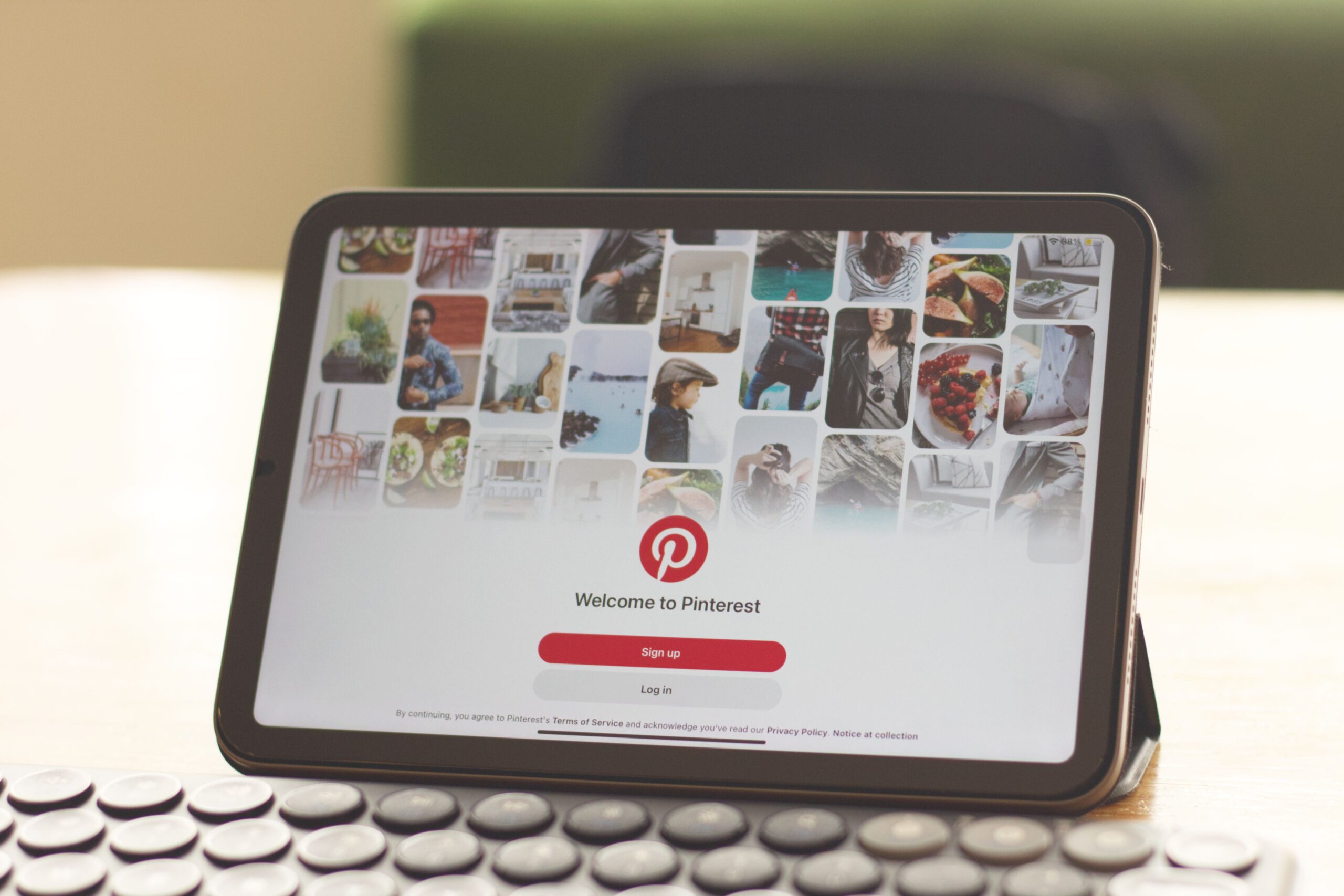
Pinterest works like a visual search engine. Every pin acts as a gateway to your website. A well-designed pin can continue bringing traffic for months or even years.
A high-converting Pinterest pin helps you:
- Increase website traffic
- Improve affiliate sales
- Grow your Pinterest account
- Build brand awareness
- Get more saves and clicks
Step 1: Choose the Right Pinterest Pin Size
Pinterest recommends a vertical design because it performs better on mobile devices.
The ideal pin size is:
- 1000 × 1500 pixels
- Ratio: 2:3
Avoid making square or horizontal pins because they usually receive less engagement.
Step 2: Select a Professional Template
Canva offers thousands of Pinterest templates. Choose one that matches your niche and customize it instead of using it exactly as it is.
For example:
- Fashion
- Beauty
- Home Decor
- Fitness
- Food
- Travel
- Blogging
- Affiliate Marketing
Always replace the default text, colors, and images to make your design unique.
Step 3: Use High-Quality Images
Images are the first thing people notice.
Choose:
- Bright images
- High-resolution photos
- Simple backgrounds
- Images related to your topic
Avoid blurry or low-quality pictures.
Step 4: Write an Attention-Grabbing Title
Your title should make users curious.
Examples:
- 10 Easy Summer Outfit Ideas
- Best Canva Tips for Beginners
- Pinterest Marketing Secrets
- How to Earn Money with Pinterest
Use large bold fonts that are easy to read.
Step 5: Choose Easy-to-Read Fonts
Use only two fonts.
One for:
- Heading
One for:
- Small text
Avoid fancy fonts that are difficult to read.
Step 6: Use Brand Colors
Consistent colors help people recognize your content.
Use:
- 2–3 primary colors
- Good contrast
- Clean background
Avoid using too many colors.
Step 7: Add Your Website or Logo
Adding your website name or logo increases trust and helps build your brand.
Place it at the bottom of your pin.
Example:
trendsbyjishan.shop
Step 8: Download in High Quality
Download your design as:
- PNG (Recommended)
- JPG
- PDF (for print)
PNG usually provides the best image quality.
Best Practices for High-Converting Pins
- Use vertical designs.
- Keep the layout clean.
- Add bold headlines.
- Use bright colors.
- Leave enough white space.
- Use high-quality images.
- Add branding.
- Include a clear call-to-action.
Common Mistakes to Avoid
- Using blurry images
- Too much text
- Tiny fonts
- Poor color combinations
- No branding
- Copying templates without customization
- Low-quality downloads
Conclusion
Creating high-converting Pinterest pins doesn’t require professional design skills. With Canva, you can design eye-catching pins that attract more clicks, saves, and traffic. By choosing the right size, using quality images, writing compelling titles, and maintaining a clean design, you can significantly improve your Pinterest marketing results.
If you consistently create valuable and visually appealing pins, Pinterest can become a powerful source of long-term traffic for your blog or affiliate website.
- Follow TrendsByJishan on Pinterest for more affiliate marketing tips and shopping finds →